 listicle
Best Residential Door Locks 2026: Smart & Deadbolt Guide
Table of Contents
- How We Chose the Best Residential Door Locks for 2026
- Smart Lock vs. Deadbolt: Which Fits Your Home?
- The Safest Residential Door Locks: Security Grades and Forced-Entry Resistance
- Top Smart Locks and Keypad Door Locks for Homes in 2026
- Residential Lock Rekeying vs. Replacement: What Homeowners Should Know
- Door Compatibility, Installation, and Failure Scenarios
- Conclusion: Choosing the Right Residential Door Lock for Your Security
- Frequently Asked Questions
Last Updated: October 6, 2026
How We Chose the Best Residential Door Locks for 2026
Picking the best residential door locks 2026 has to offer comes down to one thing: whether the lock actually keeps your door shut when someone tries to force it. We've been working on doors since 1971, so we've seen which locks hold up and which ones fail. We judged every lock here on three things: security grade, how it handles a forced-entry attempt, and how easy it is to live with. We also weighed installation, battery life, and what happens when the power dies or the keypad quits.
Smart Lock vs. Deadbolt: Which Fits Your Home?
The honest answer: a mechanical deadbolt is more reliable in a crisis, while a smart lock is more convenient every day. A deadbolt is a solid metal bolt that slides into the door frame and can only be thrown by a key or thumb turn. A smart lock adds keypad entry, smartphone control, and remote access on top of that bolt.
Here's the trade-off most guides skip. Smart locks depend on batteries, apps, and Wi-Fi. Mechanical locks depend on nothing but metal. If you want the strongest forced-entry resistance with zero failure points, a Grade 1 or Grade 2 mechanical deadbolt wins. If you want keyless entry, temporary codes for guests, and auto-lock, a smart lock earns its place.
| Feature | Mechanical Deadbolt | Smart Lock |
|---|---|---|
| Power source | None | Battery |
| Entry method | Physical key | Keypad, app, fingerprint, key |
| Remote access | No | Yes, with Wi-Fi |
| Failure risk | Very low | Battery or connectivity |
| Best for | Maximum security | Everyday convenience |
The Safest Residential Door Locks: Security Grades and Forced-Entry Resistance
The safest residential door locks carry a Grade 1 or Grade 2 rating from the American National Standards Institute (ANSI), which tests how much force a lock survives before it fails. Grade 1 is the toughest residential rating. Grade 2 is a step down but still solid. Grade 3 is builder-grade and the easiest to defeat.
Forced-entry resistance comes down to three parts: the bolt, the strike plate, and the screws. A lock with a long throw bolt and a reinforced strike plate resists kicking far better than a standard setup. Upgrading the strike plate screws to longer ones that reach the stud behind the frame is one of the cheapest security wins you can make. For the full grading standards, see ANSI/BHMA lock standards.
Top Smart Locks and Keypad Door Locks for Homes in 2026
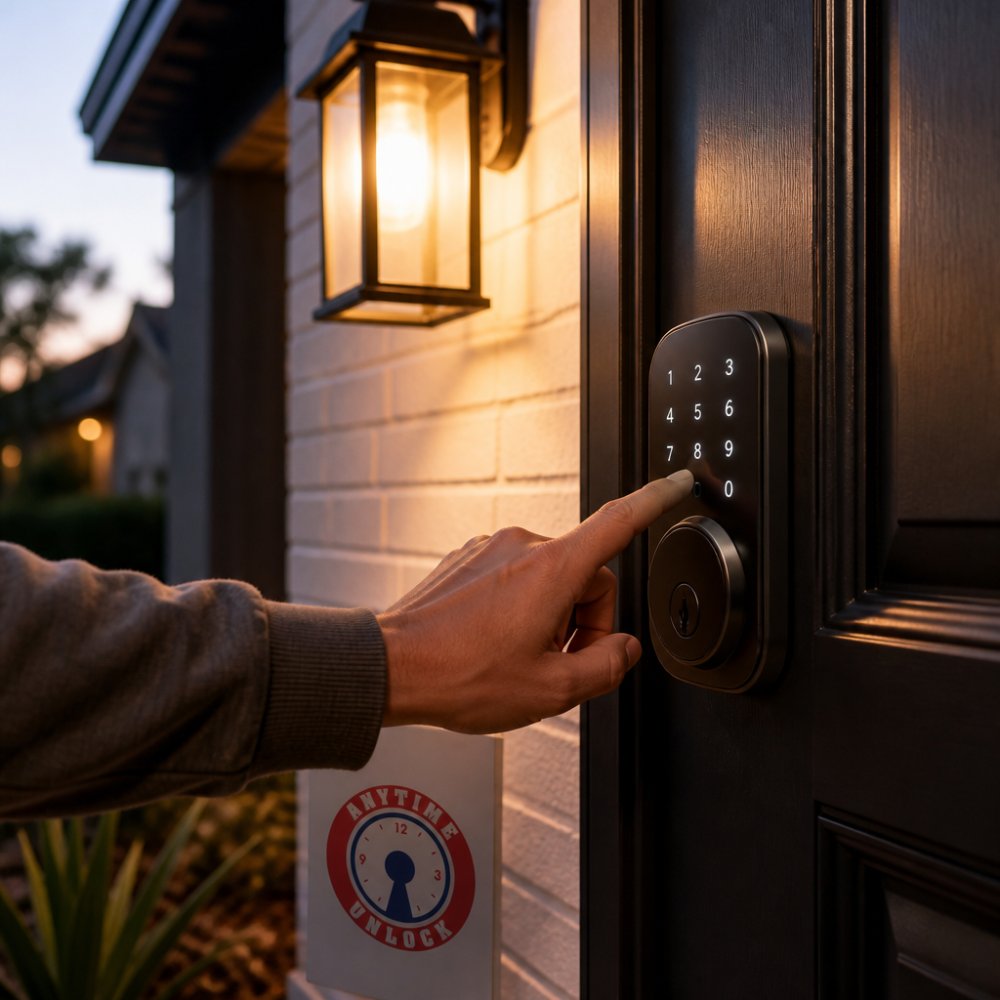
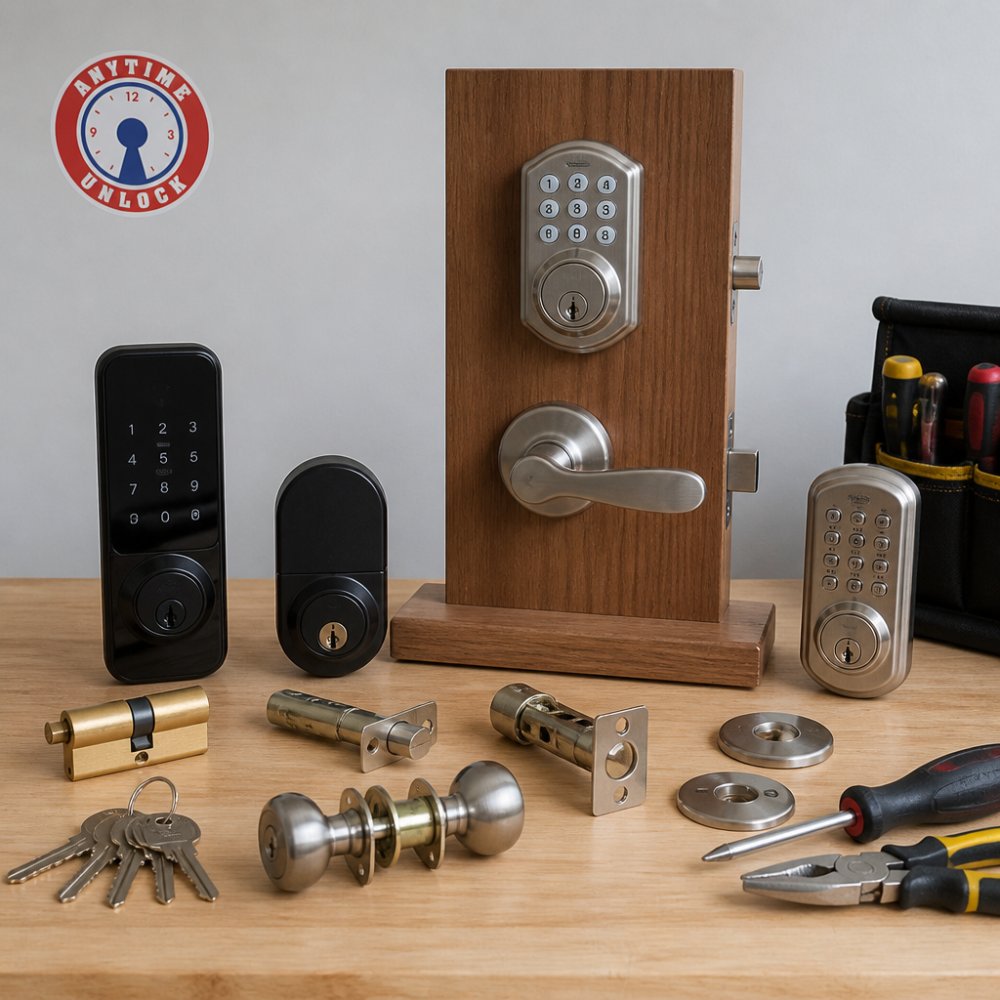
The strongest picks this year balance real security hardware with keyless convenience. Every lock below is a deadbolt replacement, meaning it keeps the ANSI/BHMA Grade 1 or Grade 2 bolt that already passed forced-entry testing, and adds keypad, app, or biometric entry on top.
Here is how the leading models compare on the specs that actually decide whether a lock holds up:
| Model | Entry Methods | Connectivity | Backup Power | ANSI/BHMA Grade | Best For |
|---|---|---|---|---|---|
| Yale Assure Lock 2 | Keypad, app, key | Wi-Fi or Z-Wave module (sold separately) | 9V battery jump | Grade 2 | All-around smart lock |
| Schlage Arrive Smart WiFi Deadbolt | Keypad, app, key | Built-in Wi-Fi | 9V battery jump | Grade 1 | First-time smart lock buyers |
| August Wi-Fi Smart Lock | App, key (retrofit only) | Built-in Wi-Fi | 9V battery jump | Retrofits existing deadbolt | Renters and connected homes |
| Kwikset Halo Touch | Fingerprint, app, key | Built-in Wi-Fi | 9V battery jump | Grade 1 | Keyless households |
| Lockly Visage Zeno Series | Facial recognition, keypad, app, key | Built-in Wi-Fi | 9V battery jump | Grade 2 | Hands-free entry |
| Schlage Encode Plus | Keypad, app, key | Built-in Wi-Fi, Apple Home Key | 9V battery jump | Grade 1 | Apple Home households |
| Aqara Smart Lock U400 | Fingerprint, keypad, app, key | Built-in Wi-Fi, Matter | 9V battery jump | Grade 2 | Matter and Apple Home users |
| Wyze Lock Bolt v2 | Fingerprint, keypad | Bluetooth only | 9V battery jump | Grade 2 | Budget keyless entry |
What the specs tell you. Grade 1 locks (Schlage Arrive, Kwikset Halo Touch, Schlage Encode Plus) survive the highest ANSI/BHMA forced-entry test load and are the right call for a primary entry door. Grade 2 models (Yale Assure Lock 2, Lockly Visage Zeno, Aqara U400, Wyze Lock Bolt v2) are still solid for side and back doors, but they are not the strongest link in your home.
Connectivity is where the price gap lives. Built-in Wi-Fi models (Schlage Arrive, August, Kwikset Halo Touch, Lockly Visage Zeno, Schlage Encode Plus, Aqara U400) connect to your network without a hub, which is why they cost more than Bluetooth-only locks like the Wyze Lock Bolt v2.
Entry method trade-offs. Fingerprint readers (Kwikset Halo Touch, Aqara U400, Wyze Lock Bolt v2) are fast and work with gloves off, but they fail on wet or worn fingers. Facial recognition (Lockly Visage Zeno) is genuinely hands-free, but it is the newest and least proven method in the group. Keypads are the most reliable keyless option across the board, which is why every lock here has one.
Backup power is non-negotiable. Every model listed uses a 9-volt battery jump point on the exterior, so a dead battery does not lock you out. That is a baseline feature, not a differentiator, and any lock without it should be skipped.
For a full comparison, see CNET's smart lock reviews.
Residential Lock Rekeying vs. Replacement: What Homeowners Should Know
Rekeying changes the internal pins so old keys stop working, while replacement swaps the whole lock. If you just moved in and don't know who has copies of the old keys, rekeying is almost always the cheaper, faster path. You keep the existing hardware and get fresh keys in one visit.
Replacement makes sense when the lock is worn, damaged, or below Grade 2, or when you want to upgrade to keypad entry or smartphone control. A common mistake is replacing a perfectly good deadbolt when a rekey would have solved the problem for far less.
Door Compatibility, Installation, and Failure Scenarios
Before you buy anything, check that the lock fits your door. Most residential doors in the U.S. use a standard 2-3/8-inch backset (the distance from the door edge to the center of the bore hole), with 2-3/4-inch backset on some newer and commercial-style doors. The standard cross bore is 2-1/8 inches, and the edge bore for the latch is 1 inch. Door thickness is almost always 1-3/8 inches for interior and hollow-core doors and 1-3/4 inches for exterior and solid-core doors.
The compatibility checklist. Measure and write down all five of these before you shop:
- Backset, 2-3/8 in. or 2-3/4 in. from door edge to bore hole center.
- Cross bore diameter, 2-1/8 in. is standard; older doors may be 1-1/2 in.
- Door thickness, 1-3/8 in. or 1-3/4 in.
- Strike plate size, standard is 1-1/4 in. x 3-5/8 in.; a reinforced or "security" strike is larger and needs a deeper mortise.
- Handing, which way the door swings. Most modern smart locks are reversible, but some mechanical deadbolts are not.
Retrofit vs. full replacement. Retrofit installation reuses the existing bore holes and backset, which makes it a straightforward swap for most homeowners and the reason retrofit locks like the August Wi-Fi Smart Lock exist. Full replacement means drilling a new cross bore or edge bore, which is a job for a locksmith if you do not already own a hole saw and a jig.
Failure scenarios matter more than most buyers realize. Dead batteries, Wi-Fi outages, and app glitches all happen, and the difference between a minor inconvenience and a lockout is whether the lock has offline fallbacks. Here is how the major failure modes play out:
| Failure | What Still Works | What to Do |
|---|---|---|
| Dead battery | Physical key, 9V jump point | Replace batteries; test the jump point annually |
| Wi-Fi outage | Keypad, fingerprint, physical key | Lock still operates locally; remote access is down |
| App or cloud outage | Keypad, fingerprint, physical key | Do not rely on the app as your only entry method |
| Hub failure (Z-Wave/Zigbee locks) | Keypad, physical key | Remote access is down until the hub is restored |
| Lost phone | Keypad, physical key | Revoke the phone's access from the app or a second device |
| Forced entry attempt | Reinforced strike plate, long-throw bolt | Upgrade strike screws to 3-inch screws into the stud |
The reliability rule. A smart lock should never be the only way into your home. Every lock in this guide has a physical key override, and that is the feature that turns a dead battery from a lockout into a five-second inconvenience. If a lock you are considering does not have a key override, skip it.
Strike plate and frame upgrades. The lock is only as strong as the frame it bolts into. Replacing the two short strike plate screws with 3-inch screws that reach the wall stud behind the frame is one of the cheapest security upgrades you can make, and it applies to both mechanical and smart locks. A reinforced strike plate with a box design adds another layer by resisting the bolt from being pried back.
For guidance on door and frame security, see UL lock safety standards.
Conclusion: Choosing the Right Residential Door Lock for Your Security
The right lock depends on your door, your household, and how much convenience you're willing to trade for reliability. If you're not sure what fits, or you need a rekey, a fresh install, or a lockout handled fast, that's exactly what we do. Anytime Unlock and George's Key Shop offers 24/7 mobile service, residential and commercial locksmithing, and clear communication until the job is done. Get a free quote and lock your home down the right way.
Frequently Asked Questions
What are the downsides of smart door locks?
Smart locks rely on batteries, Wi-Fi, or Bluetooth, so a dead battery or network outage can lock you out if you don't have a physical key backup. Cybersecurity is another concern: weak access codes or unpatched firmware can expose your home network. Some models also have higher upfront costs than traditional deadbolts, and installation may require specific door thickness or backset measurements. Always choose a lock with a keyed override and reputable app security.
Are smart locks more secure than traditional deadbolts?
It depends on the model and installation. A high-quality smart lock with a Grade 1 or Grade 2 deadbolt cylinder can match or exceed a standard mechanical deadbolt in forced-entry resistance. However, cheap smart locks may use weaker materials. Traditional deadbolts have no firmware or connectivity risks. For the safest residential door locks, look for ANSI/BHMA Grade 1 or Grade 2 ratings and a solid steel strike plate, whether smart or mechanical.
Can a smart lock still work if the power or Wi-Fi goes out?
Most smart locks run on batteries, so a power outage won't affect them. If Wi-Fi goes down, you can usually still unlock with a keypad code, fingerprint, or physical key. Remote access and voice assistant features will be unavailable until the network returns. Some models support emergency power via a 9V battery or USB-C port. Always keep a mechanical key backup accessible outside your home.
Should I rekey or replace my locks after moving into a new home?
Rekeying is typically faster and less expensive than full replacement, and it changes the internal pins so old keys no longer work. If your locks are older, damaged, or you want smart features, replacement may be better. A residential lock rekeying service can handle multiple locks in one visit. After moving, rekeying is the minimum step to ensure previous owners, contractors, or neighbors can't enter.
What should I look for when buying a residential door lock?
Check the ANSI/BHMA security grade (Grade 1 is best for exterior doors), the lock type (deadbolt, keypad, smart), and compatibility with your door thickness and backset. For smart locks, consider connectivity (Wi-Fi, Bluetooth), app quality, battery life, and whether a physical key backup exists. Also verify the strike plate and screws are heavy-duty. If you rent or want low maintenance, a keypad door lock for homes offers convenience without full smart-home integration.